
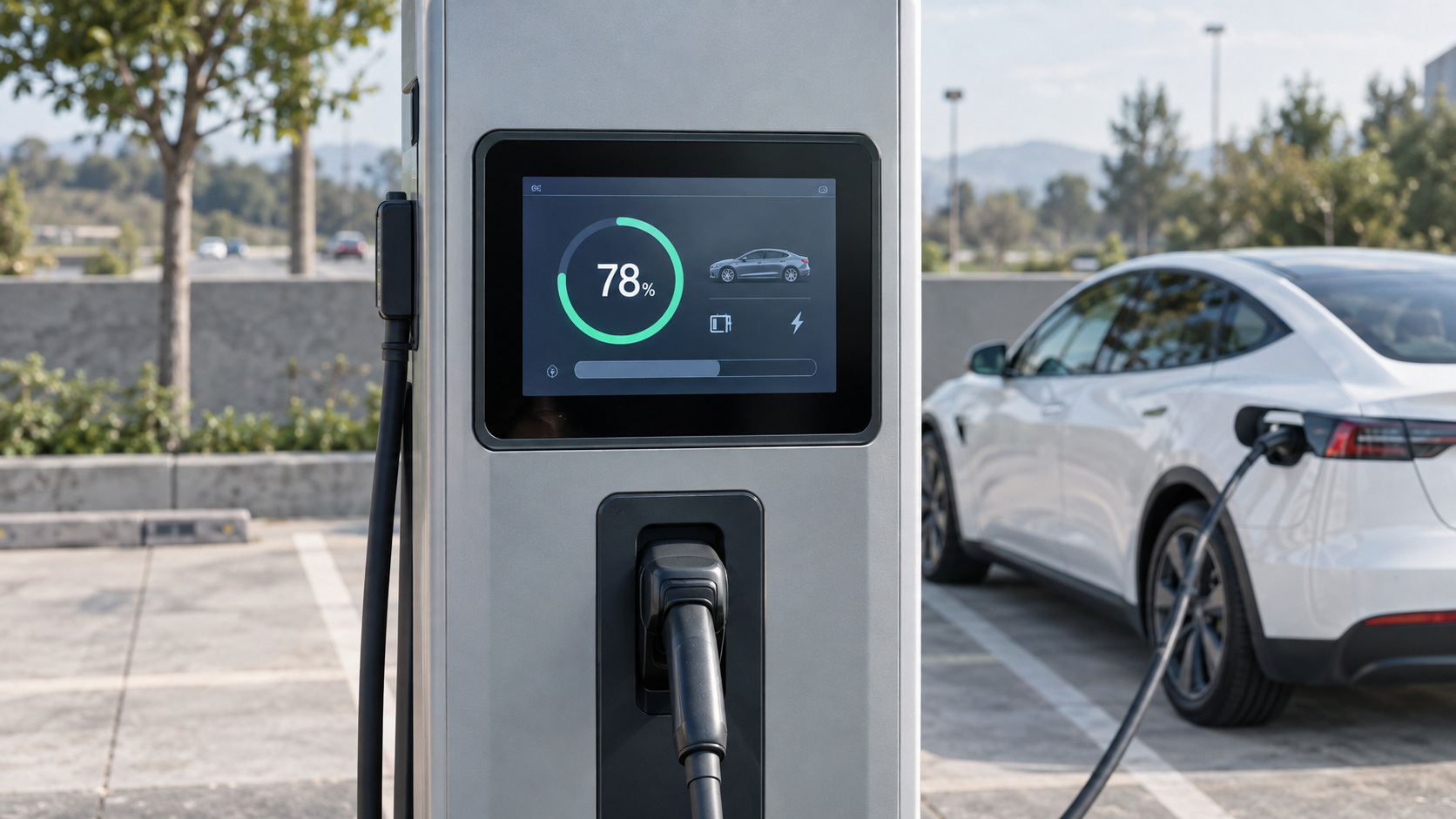
A driver pulls up, taps a screen, taps a card, waits, and drives away. Nobody wipes that screen between sessions, nobody reboots it when it freezes, and the person using it may be wearing winter gloves with a phone in the other hand. A charger puts a panel outdoors, in front of the public, with payment attached and a service truck that visits once a quarter. That combination sets the specification.
The panel is not the charge controller. It usually runs a local application that talks to the controller over serial or Ethernet, draws the session state, and drives whichever payment hardware the operator picked. The requirements below come from the site and the user, not from the charging electronics.
Why brightness numbers mislead outdoors
A charger on an open forecourt faces the sky for most of the day. Brightness figures quoted for indoor panels mean little once the glass is lit by reflected pavement. Two variables decide whether the screen stays readable: backlight output, and what sits between the LCD and the sun.
An air gap between cover glass and display produces an internal reflection that no amount of backlight can push through. Optical bonding removes the gap. An anti-reflective or anti-glare treatment turns whatever reflection is left into a diffuse haze instead of a mirror image of the sky. Both cost money, and we went through where the cost pays off in sunlight-readable panels and optical bonding.
The screen is also read from an angle, through a windscreen, from a car that is not quite parked yet. Viewing angle and a matte surface matter more there than another 200 nits.
The temperature range you need is wider than the data sheet
A sealed metal enclosure in direct sun reaches temperatures that no ambient figure describes. Put the panel on the shaded side of the cabinet if the site allows it, and treat the enclosure as part of the thermal design: venting, a sun shield, or a light-coloured finish move the internal temperature further than the panel's own rating does.
Cold mornings bring the opposite problem. An LCD responds more slowly below freezing, and a capacitive touch layer behaves differently when the glass is cold and damp. If the charger is going into a market with real winters, get the operating and storage limits in writing, and ask which components set them. Power behaves the same way. A cabinet that shares a feed with contactors and DC switching hardware sees dips and spikes, which is why we separated that out in heat, cold and dirty power.
Sealing the panel into the cabinet door
Outdoor equipment is specified by ingress rating for good reason, and the number everyone quotes is the front-panel rating. What usually fails first is the seam behind it, where the panel meets the door. Front-embedded mounting with a continuous gasket is easier to keep sealed than a rear-mounted panel behind a decorative bezel, and it lets a technician swap the panel from outside without breaking the cabinet seal. The mechanical differences are set out in mounting methods compared, and the rating itself in IP65, IP66 and IP69K.
Water on the screen is the other half of the problem, and no ingress rating covers it. Rain on a capacitive panel reads as a finger unless the controller is tuned to reject it.
Gloves, rain and the false-touch problem
Projected capacitive touch is the right default for a public screen. It supports gestures, it survives years of use, and a flat glass front seals cleanly against the cabinet. Its weaknesses are water and gloves. Both are handled at the tuning level rather than by changing hardware: glove mode raises the detection threshold, and water rejection filters out the broad, slow signal a wet surface generates. Ask for the wet-screen behaviour in writing; "supports glove touch" covers a wide range of actual performance.
Screen size belongs in the same conversation, because a driver in gloves needs targets large enough to hit without aiming. Ten inches is the usual choice for a single-gun AC charger. DC units with a second screen for session detail or media move to 15.6 or 21.5 inches.
Payment hardware decides the I/O list
Reader for operator RFID cards, bank card reader, QR scanner for app sessions, sometimes a receipt printer. Each takes a port, and each needs a driver that is still supported in five years. USB is fine for a peripheral that is swapped rarely. RS232 or RS485 is the safer choice for anything that lives in the cabinet permanently.
Put the peripheral list into the enquiry rather than discovering it during integration. It is the most common reason a charger panel order changes after the first prototype.
Nobody is on site to reboot it
An unattended panel needs a hardware watchdog, a way to recover from a failed firmware update, and enough local storage to keep session logs through a network outage. Storage deserves specifics: a panel with 8 GB behaves very differently from one with 64 GB once you are buffering logs and holding two system images for rollback. The P S1 10.1-inch panel, for example, ships with RK3568 or RK3288 boards and 2/4/8 GB of RAM paired with 16/32/64 GB of storage, and the step up costs less than one truck roll.
Remote management is the rest of the answer. If the backend can read panel temperature, uptime and touch responsiveness, a failing unit gets replaced during a scheduled visit instead of after drivers start complaining.
Ten years of the same panel
Chargers are installed under contracts that run a decade or longer, and the panel is the part most likely to be replaced. Two questions belong on the table before the first order: how long the exact model stays in production, and what happens when it stops.
Ask for a last-time-buy window, and ask whether the next generation keeps the same cutout, the same connector positions and the same mounting depth. A panel that drops into the existing door without new sheet metal is worth more than a cheaper one that does not. This is also where an OEM or ODM arrangement starts to pay: bezel finish, cover glass printing, I/O set and boot logo can be fixed at the start and held for the life of the product. The steps are laid out in from requirement to mass production.
What to send with the enquiry
- Installation country, plus the coldest and hottest month on site.
- Whether the panel faces the sun, and at what time of day.
- Front-embedded or rear-embedded, and the available mounting depth.
- Screen size and what the UI has to show.
- The full peripheral list, with the interface each one uses.
- What power is available inside the cabinet.
- Expected annual volume and how many years the model must stay available.
If you are specifying the panel for a charger, send us the site conditions, the peripheral list, and the volume and lifetime you are planning for. The P S1 10.1-inch panel and the F IC 7-inch die-cast panel cover most single-gun designs, the P X2 15.6-inch and 21.5-inch front-embedded panels suit DC chargers with a second display, and the B Series edge panels run the local application and logging on the panel itself. Cover glass, bezel finish, I/O and branding can be adjusted for OEM and ODM orders. Start from the inquiry page and we will reply within one business day.
Related products
Explore our HMI panels
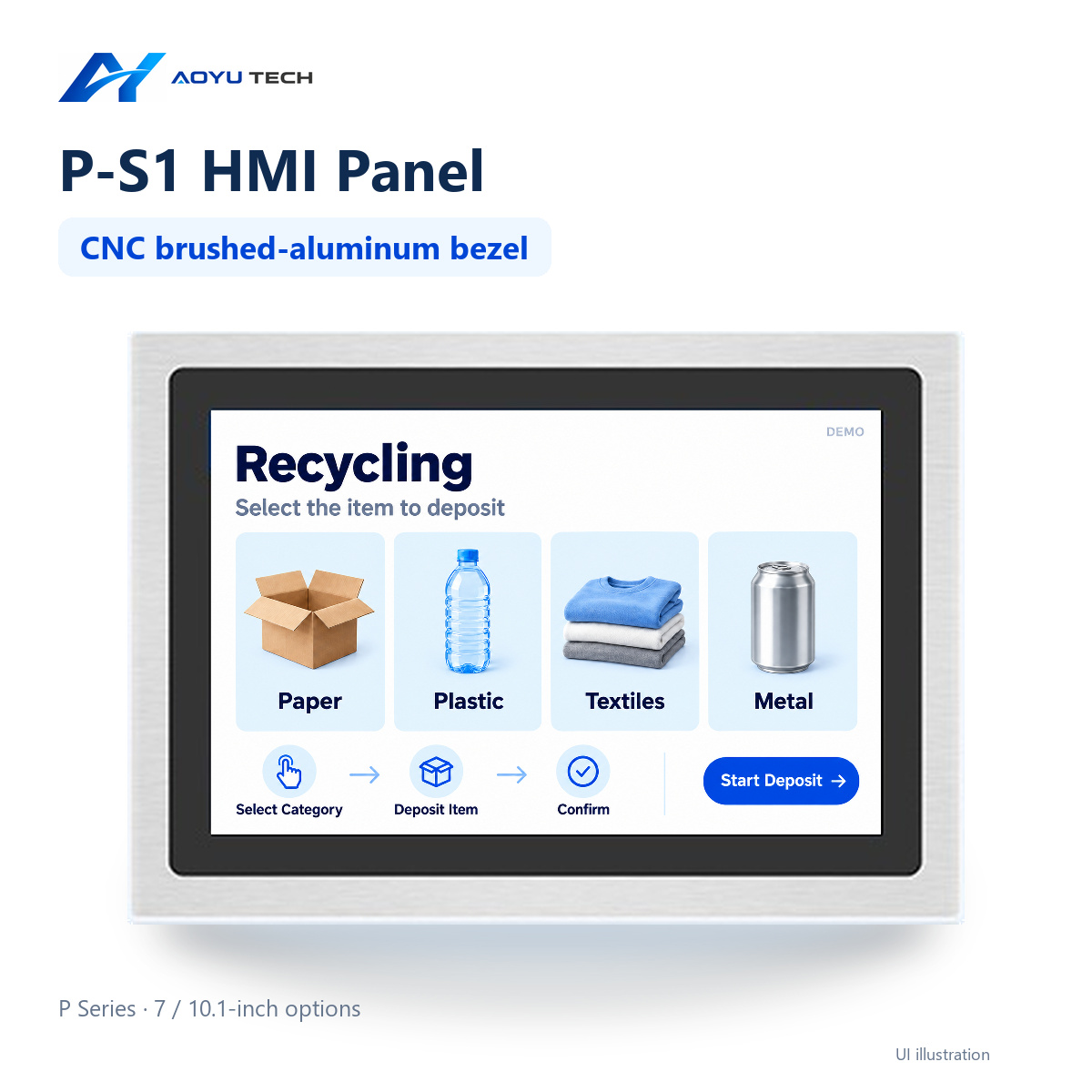
P-S1-101 10.1-inch HMI Panel
10.1-inch HMI panel in the Interactive P Series. See model-specific specifications for ava…
View product →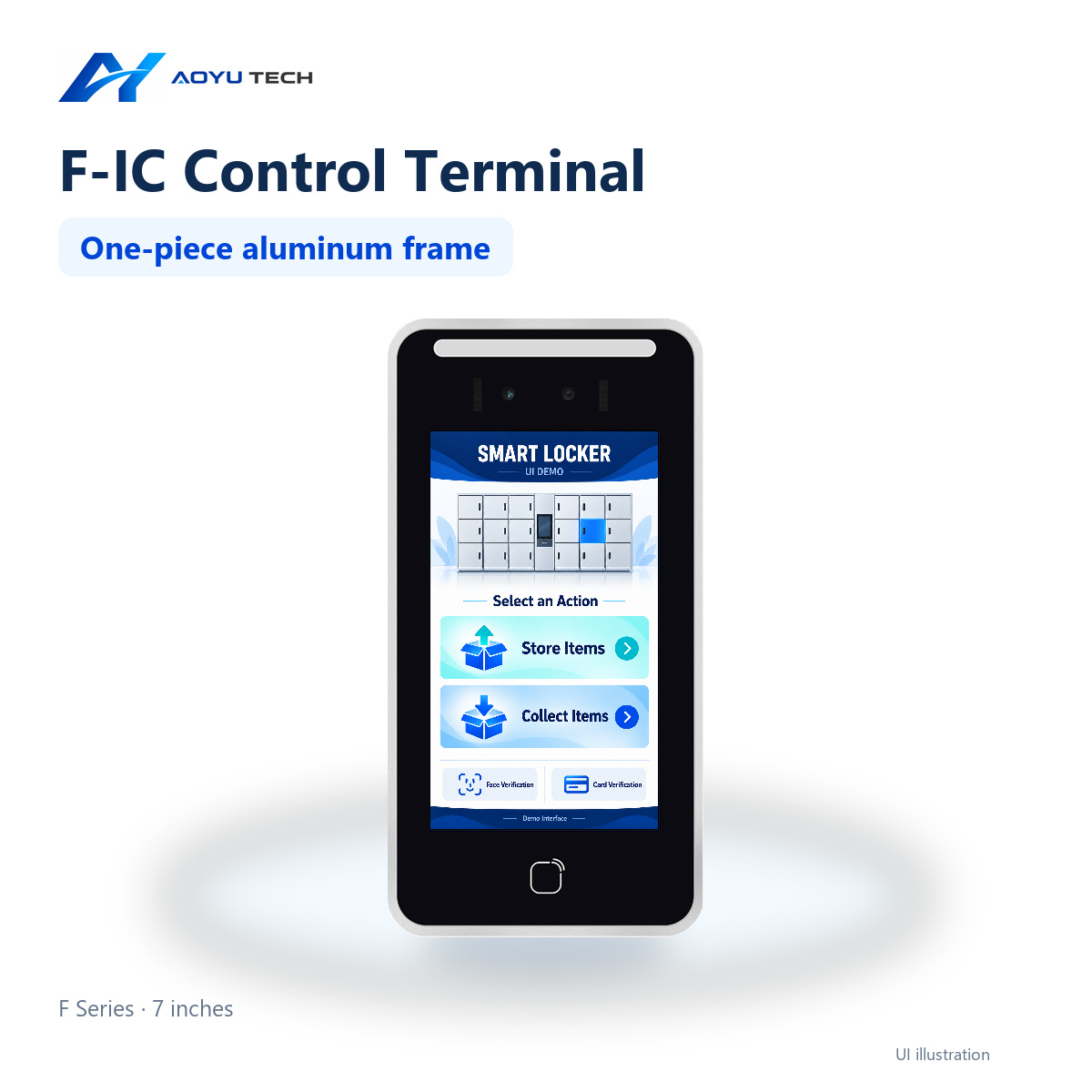
F-IC-7 7-inch HMI Panel
Material: Die-cast aluminum alloy. Mounting methods: Exterior inset mounting. Front panel …
View product →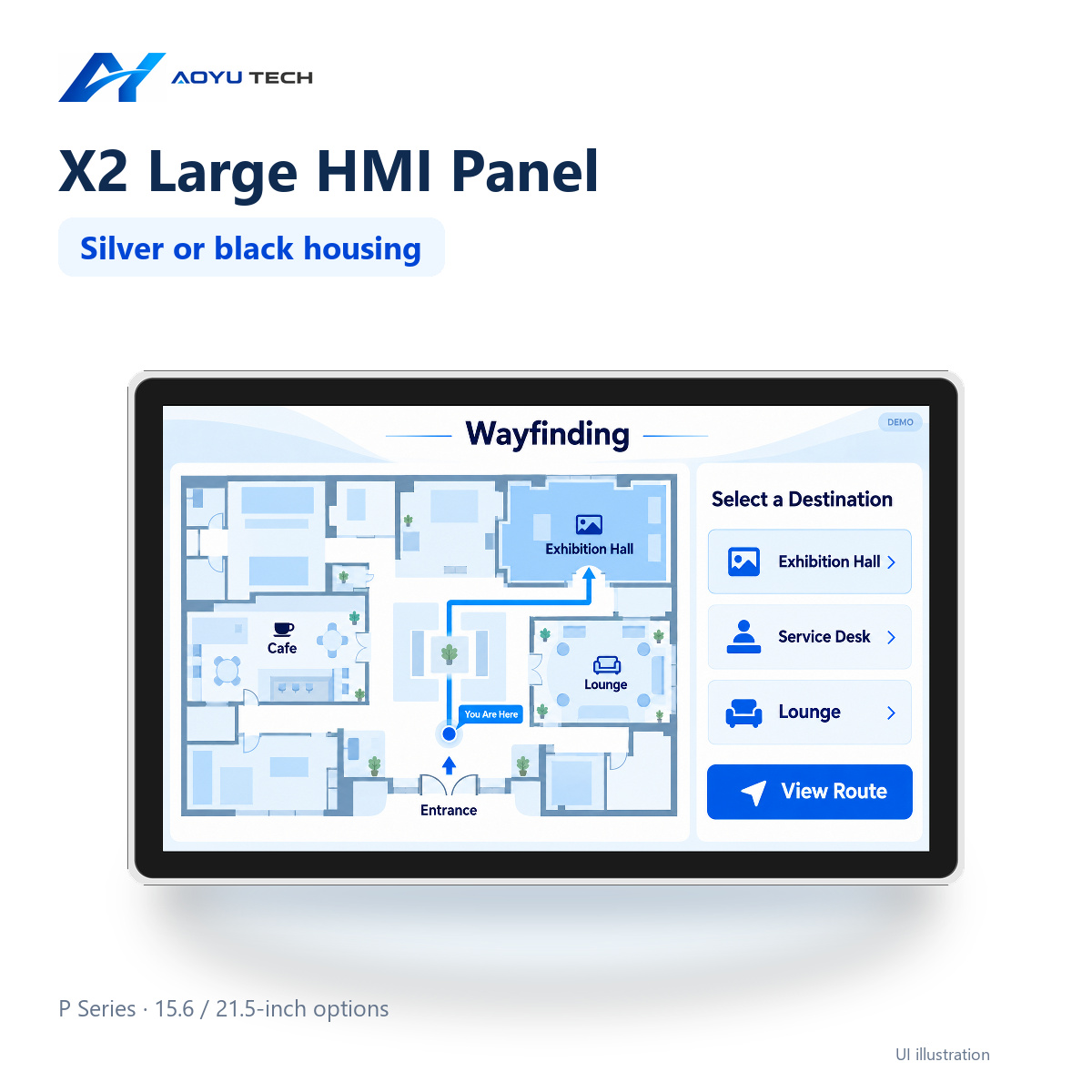
P-X2-156 15.6-inch HMI Panel
Display size: 15.6 inches. Resolution: 1920 × 1080 px. Brightness: standard: 250; optional…
View product →Ready to start your HMI project?
Our engineers help you choose the right HMI hardware and software for your project.