

Installing twenty operator panels is a purchasing job. Keeping three hundred of them running across several sites is an operations job, and both are decided at the same moment, when the order goes in. The cost that shows up later is travel. A technician driving two hours to press a reset button spends more than the panel he came to fix, and that trip was avoidable if update delivery, watchdog behaviour and the remote access path had been settled before the crates were packed.
Updates have to reach the panel, not the warehouse
A USB stick works for the first batch. Somebody walks the line, plugs into each unit, waits for the progress bar and moves on. At twenty units that costs a morning. Across three plants it becomes a job with its own budget, and the version running on each panel ends up only as consistent as the person doing the walking.
Over-the-air delivery needs four things in place before it is worth anything. The package has to arrive, which sounds obvious until you meet a plant network engineered for control traffic that drops frames under load. It has to be verifiable, so the unit can tell a genuine package from a corrupted one. When an update stops halfway, the outcome needs to be decided in advance. And there has to be a schedule, because a panel that reboots is a panel nobody can operate.
A/B partitioning answers the third point. The new system writes into a second partition while the running one is untouched, the bootloader switches across only after the new copy passes its checks, and a boot that never completes falls back to the previous version by itself. Nobody has to stand in front of the machine.
Bandwidth decides the rest. A full system image often runs to hundreds of megabytes, which suits an office network and stretches a production one. Delta updates, sending only the changed blocks, fit better. They also make a staged rollout practical: update five per cent of the fleet, watch it for a day, then carry on.
A watchdog catches a freeze, not a fault
A hardware watchdog is a timer with one rule. The software has to touch it regularly, and when the touching stops, the board resets. That clears a locked screen or a kernel that has stopped scheduling. It does nothing for an application that is running perfectly and wrong, polling a controller that stopped answering an hour ago while the display keeps showing the last values it received.
That second case needs a heartbeat at the application level, with the panel reporting its own state to something outside itself and a missed beat treated as a failure. Putting that supervision on a separate core is one way to do it. The i.MX9352 in the B-H1-101 pairs two Cortex-A55 cores at 1.7 GHz with a Cortex-M33 real-time core at 250 MHz, and the M33 keeps running its own loop while the A55 cores are busy with the operating system. A hang in the application domain does not take the supervisor down with it.
Reboot loops are the failure mode nobody expects. A unit that fails identically on every start will reset, reach the same fault, reset again and keep going until somebody walks over. Counting attempts and dropping into a safe state after three or four, one where the panel still announces itself on the network and waits for instruction, turns an endless loop into a ticket somebody can act on.
Power recovery belongs to the same conversation, and we went through it separately in Heat, cold and dirty power: where industrial HMI panels actually fail.
Logs, and the door you open to read them
Logs are only useful if they survive whatever produced them. A ring buffer holding the last few thousand lines in local storage covers the case that matters: the uplink is down, nothing has been shipped anywhere, and the panel resets before anyone can look. Those lines go up with the next batch once the link returns. The last minutes before a crash carry more information than a week of normal operation.
Remote access is the other half, and it is a door. A panel reachable over the maintenance network can be diagnosed from a desk, which is the entire point. It is also reachable from everything else on that network, and an open ADB or VNC port on three hundred industrial panels is not a maintenance convenience, it is an inventory of entry points. A VPN or an allowlist, read-only wherever read-only is enough, and access tied to a named account rather than a shared one, keeps the benefit and most of the risk apart.
What to settle before the order
Network layout comes first, because it decides everything above. The B-H1-101 carries two independent Ethernet ports, so one can sit on the machine network and the other on the maintenance network with no routing between them, and polling PLCs over the serial and CAN ports does not share a path with remote access. PoE on LAN0 takes out a power cable where the run is short, and the 12 V or 48 V input with reverse-polarity protection covers the cabinets where it is not. Wi-Fi 6 handles the awkward mounting points where pulling cable is not worth the trouble, though we would not make it the primary link for a device that has to stay reachable.
The rest is a list to put to your supplier in writing rather than assume:
- How updates are delivered, how they are verified, and what happens when one fails
- Whether a hardware watchdog is fitted, what it supervises, and how many attempts it allows before it stops trying
- How a technician reaches the panel remotely, and what authenticates them
- What stays in local logs and what gets shipped off the unit
- How long the update policy holds, including security patches for the operating system under your application
None of these turn up as standard columns on a spec sheet, which is why they are usually discovered after the panels are on the wall. Asking up front costs one email. Panel hardware itself is worth checking too, and what a burn-in test catches before an HMI panel ships covers that side.
Sizing up a rollout
The useful starting material is short: how many units, at how many sites, on what network, and what has to keep running when something fails. With that, the update and access questions narrow to a handful of decisions instead of a general discussion. Layout across the machine and maintenance networks is usually the first thing we look at, and we covered the topology side in how an HMI talks to a PLC, and where an edge gateway belongs.
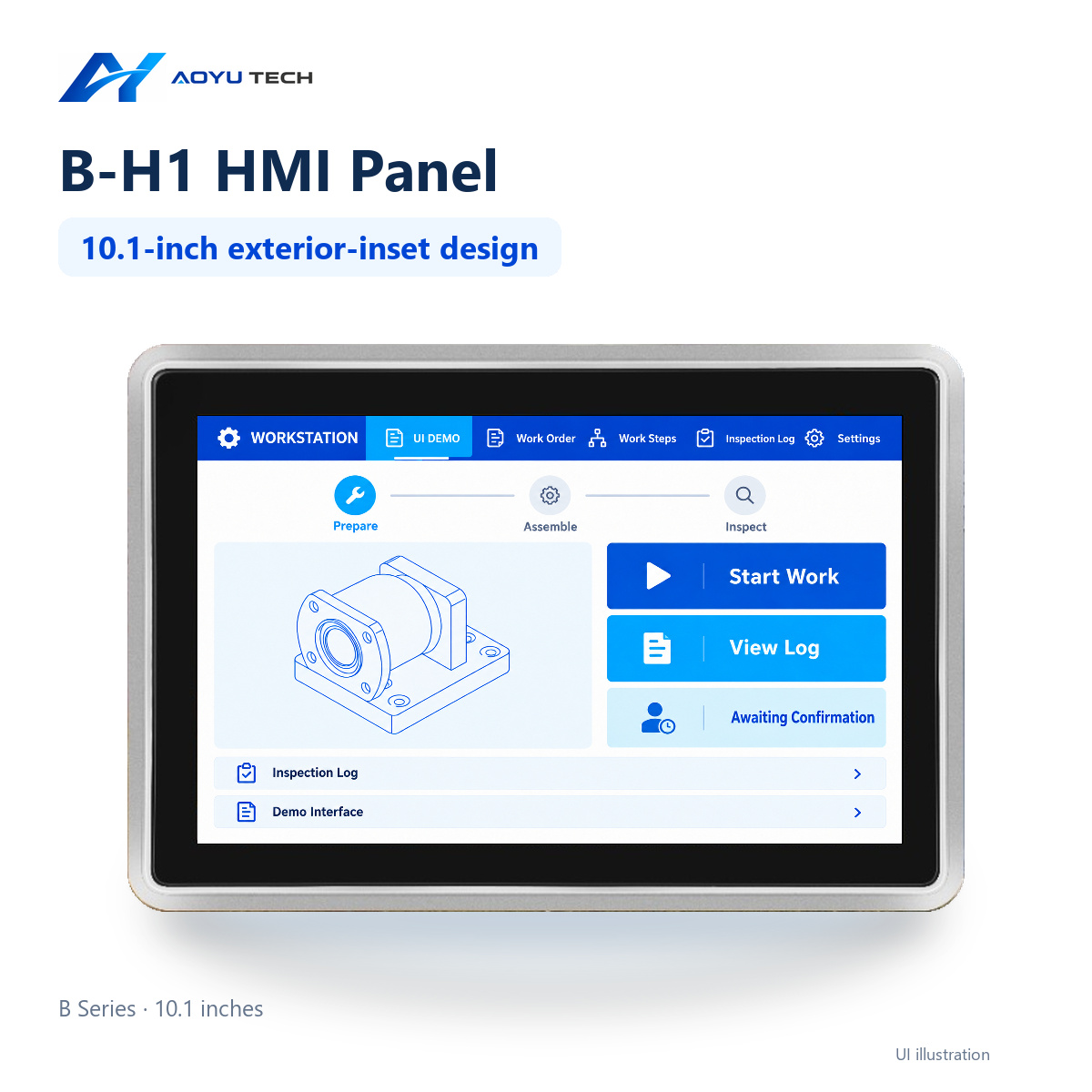
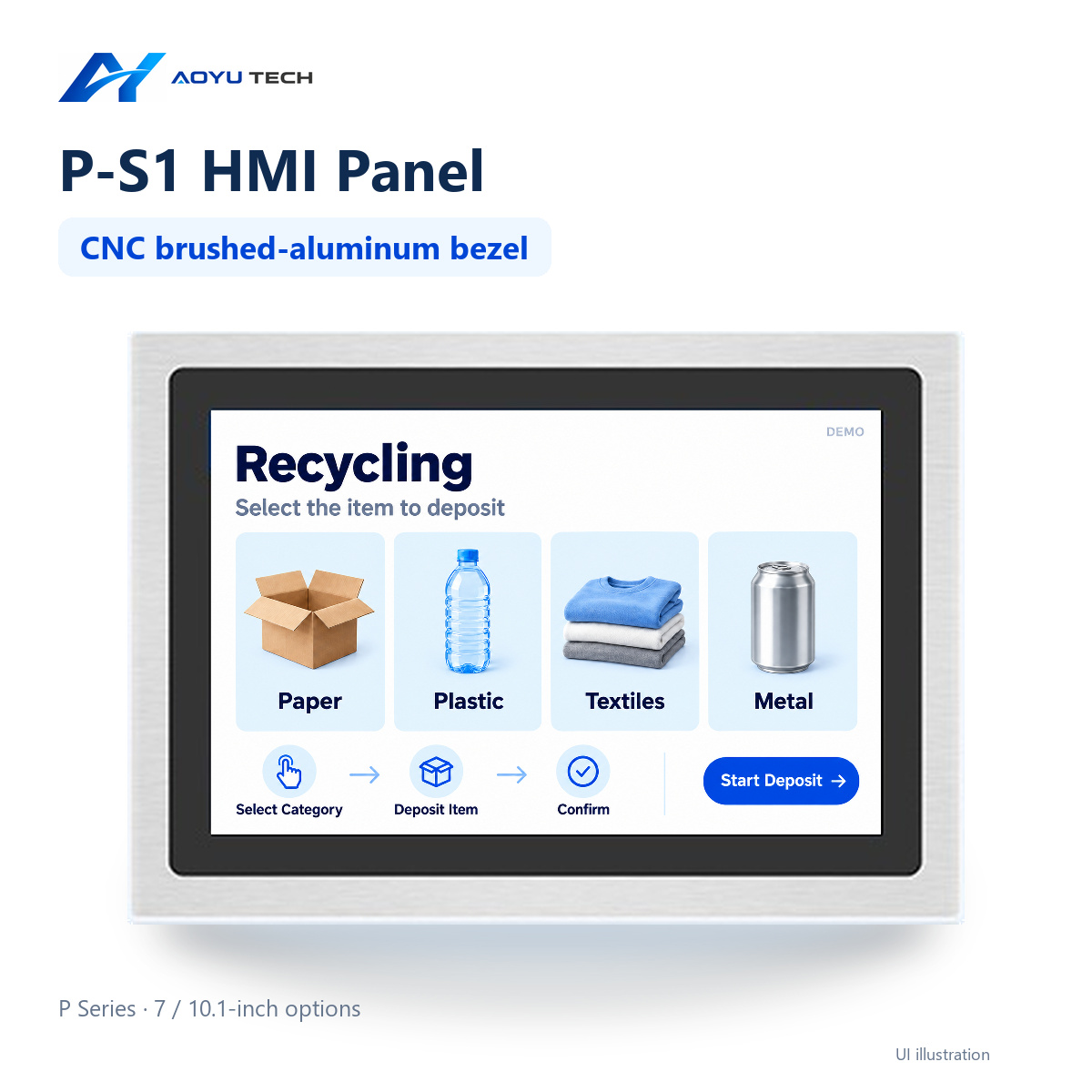
Machine-side installations in our range usually start with the B-H1-101 for its dual Ethernet and serial and CAN capacity, or with the P-S1-101 where the panel is also the operator interface on a commercial project. If you want the maintenance arrangement worked out before the order rather than after the first service call, send the outline through the enquiry form and we will go through it with you.
Related products
Explore our HMI panels
Ready to start your HMI project?
Our engineers help you choose the right HMI hardware and software for your project.