
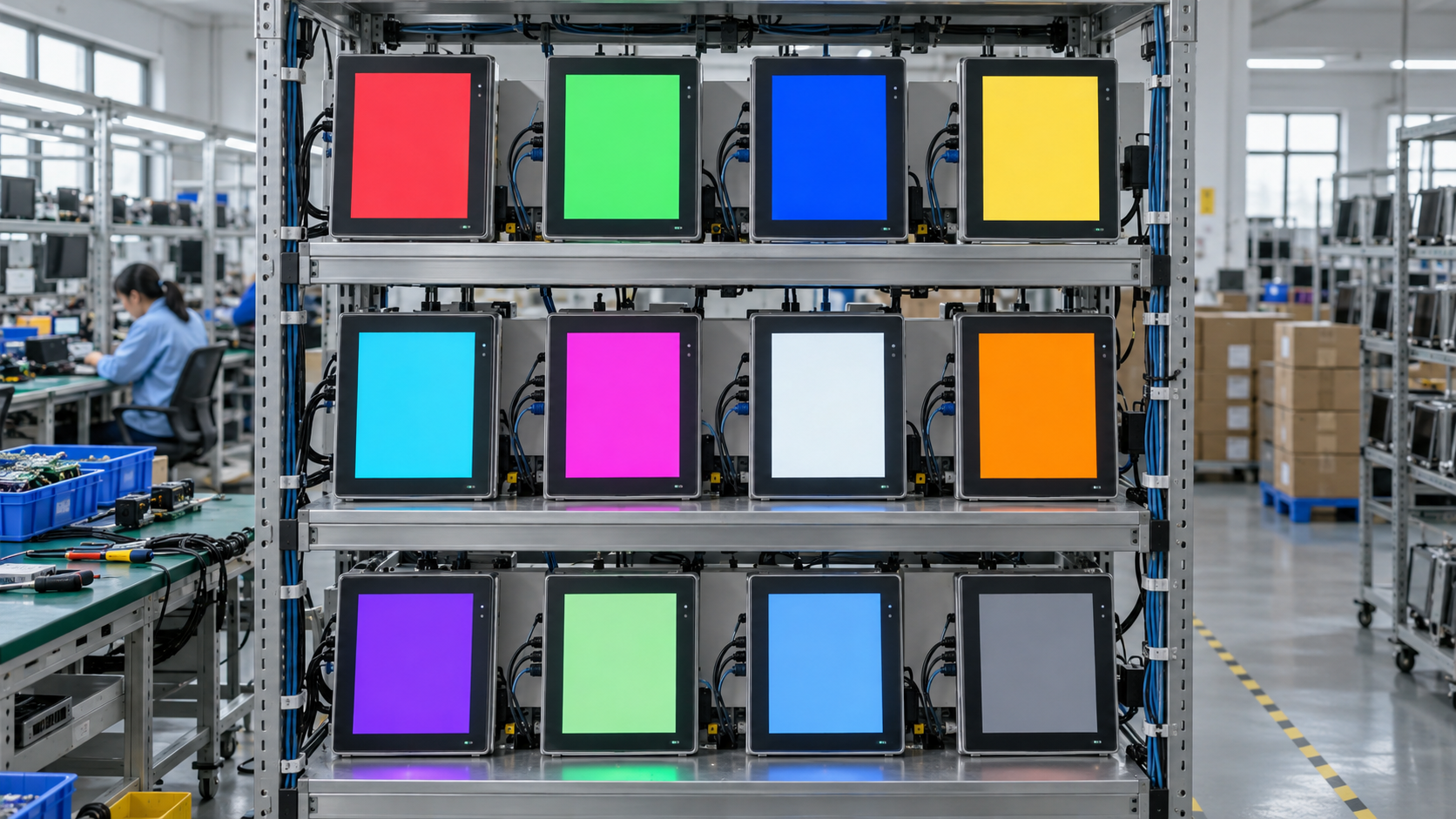
An HMI panel can pass every functional check on the assembly bench and still fail in its first month on a machine. The cause is rarely the design. It is a solder joint that cracks once the board reaches temperature, a capacitor sitting at the edge of its tolerance, a touch controller that drifts after the glass warms up. None of that appears in a five-minute test, and all of it is cheaper to catch on a rack in the factory than at a customer site.
Burn-in is the dull answer to the problem. Units are powered, heated, and left running long enough for weak parts to show themselves before the carton is sealed. This is what that stage involves, and what the numbers behind it tell you when you compare suppliers.
Why a factory leaves panels running overnight
Hardware fails most often at the two ends of its life. The early stretch has a name in the industry, infant mortality: parts that were marginal from the start tend to die within the first few hundred hours, and the units that get past that window usually run for years. An aging run pushes each panel through the risky part while it is still next to a rework station, where a failure costs a ticket instead of a site visit.
Duration depends on volume and on what the buyer asks for. Twenty pilot units can be watched one by one; a few thousand heading into a kiosk rollout age in cabinets holding dozens at a time, long enough to cover thermal stabilisation plus a margin. The cost is rack space and a day of schedule, which is small against sending a service truck across a country to swap a screen.
What a temperature soak does
The published test conditions for the G-S1-101 list a high-temperature soak at 60 °C and 20% humidity, and a low-temperature soak at -10 °C. Those are constant-temperature runs: hold the unit at the limit, keep it powered, watch whether anything moves. The panel carries a -10 to 60 °C operating rating, so the soak endpoints sit at the edges of its own specification.
Constant soak and temperature cycling answer different questions. Holding one temperature catches parametric drift: backlight output sagging as the panel heats, touch linearity shifting, a regulator wandering out of tolerance. Cycling between hot and cold loads materials that expand at different rates, which is where solder joints, connector contacts and bonded cover glass come apart. A model sold for continuous duty, such as the F-IC-7 with its -20 to 70 °C range and 7×24 annotation, is specified for both. Thermal limits are only half of it; the electrical side is covered in where industrial panels actually fail.
The failures that only appear powered and hot
Cold units behave. Heat changes things. A capacitive touch layer that calibrates cleanly at room temperature can lose accuracy near the corners once the cover glass sits at 50 °C, and the user reads that as a panel that misses taps. Backlight uniformity problems emerge as the LED array reaches steady state, so a screen that looks clean for ten seconds grows a visible patch after an hour. The larger the glass, the longer the array takes to reach steady state, so the uniformity check matters more on 15.6- and 21.5-inch front-embedded units like the P-X2-215 21.5" than on a 7-inch panel.
Ports fall into the same category. Expansion can lift a USB or RJ45 contact just enough to drop a link now and then, and intermittent faults are the expensive kind, since they vanish the moment a technician stands in front of the machine. A Wi-Fi or 4G modem that disassociates under thermal load looks like a network problem to whoever owns the site. So a burn-in run should not sit on a static image: the useful ones loop the real application, exercise the touch layer and push traffic through the serial and Ethernet ports while logging everything.
Static, bursts and surges
A separate group of tests has nothing to do with heat. Someone walking across a synthetic carpet carries several kilovolts into the bezel. Contactors, relays and drives put fast bursts onto the supply each time they switch, while lightning and large motor starts push slower, higher-energy surges onto mains and signal lines. The G-S1-101 records immunity against all three at Level 3: 6 kV contact and 8 kV air discharge, 2 kV common-mode and 1 kV differential for burst, and the same 2 kV / 1 kV on the power and I/O ports for surge.
Those levels describe test severity, not a promise that nothing will ever glitch, so ask what behaviour was recorded at pass. A panel that keeps running through a burst and one that needs a reboot afterwards are not the same product. Emissions run in the other direction, and the G-S1-101 is logged at Class B with more than 3 dB of margin on both radiated and conducted emissions: the tighter of the two common limits, with enough headroom that the panel is not the reason the cabinet beside it misbehaves. These figures belong to that model, so check the sheet for the unit you are buying.
Vibration belongs with the mounting design
Shake testing cannot be reduced to one number on a datasheet, because the profile depends on where the panel sits: a unit on a machine tool column sees a different spectrum from one riding an automated guided vehicle, and the mounting method changes how the load reaches the case, which is covered in how to choose a mounting method. Agree the profile with the machine builder early and test in the real bracket, since a CNC installation finds resonances a generic sweep misses.
What to ask before you place the order
- How many hours does a unit run in aging, at what temperature, and under what load? "Powered on" is not an answer.
- Is aging applied to every unit or sampled per batch, and can a serial number be traced back to its batch record?
- Which standards and revisions do the EMC figures refer to, and which lab issued the report?
- What triggers a change notice if a display, mainboard or touch controller has to be substituted?
- How long will this model stay orderable, and what happens to spare units after that?
The second half of that list matters more than buyers expect. A panel that runs for eight years is not much use if the model disappears after two and the replacement has a different cutout. Fixing the bezel, cover glass printing, I/O set and boot behaviour at the start, then holding them for the life of the product, is the practical case for an OEM or ODM arrangement; the sequence is set out in from requirement to mass production.
Questions buyers ask about burn-in and testing
Does aging run on every unit or only on samples?
It depends on order size and on what the purchase agreement asks for. Pilot units are watched individually; larger runs age in cabinets holding dozens at a time. Ask whether a serial number can be traced back to its batch record, and have the answer written into the quote rather than assumed.
What should a supplier's aging report actually say?
Hours, temperature, load, and what happened when something dropped out. "Powered on" is not an answer — a panel idling on a logo screen is not the same test as one looping the real application with traffic on the ports.
My kiosk sits outdoors. What operating range do I need?
Outdoor units see both ends of the scale, so check the operating rating and ask whether the supplier holds soak results at both limits. The F-IC-7, for example, is rated -20 to 70 °C and annotated for 7×24 duty. A constant soak catches drift; cycling is what finds problems in joints and bonded glass.
Does burn-in include the touch layer?
It should. A run on a static image catches very little; the useful ones loop the real application, exercise the touch layer and push traffic through the serial and Ethernet ports while logging everything.
The figures quoted in this article are model-level records, kept per model rather than per family. Tell us your temperature range, mounting and duty cycle, and we will point to the record that matches — send an inquiry, or see where these panels are built into instrumentation and test equipment.
Where the test data lives in our range
Our six series cover 35 models, and the test records are kept per model rather than per family. A 10.1-inch panel with four gigabit Ethernet ports, eight isolated RS485 channels and a 12/48 V input does not age like a 7-inch die-cast unit with a bonded display, so quoting one set of figures for both would be misleading. The G-S1-101 carries the EMC and soak numbers quoted above, on an RK3568 running Android 11 to 13. When the application itself has to run on the panel with local logging, the B Series edge models are the usual place to start.
Send us the installation conditions, the interfaces you need, the annual volume and how many years the model has to stay available. We will tell you which test records apply to that configuration and where the limits are. Start from the inquiry page and we will reply within one business day.
Related products
Explore our HMI panels
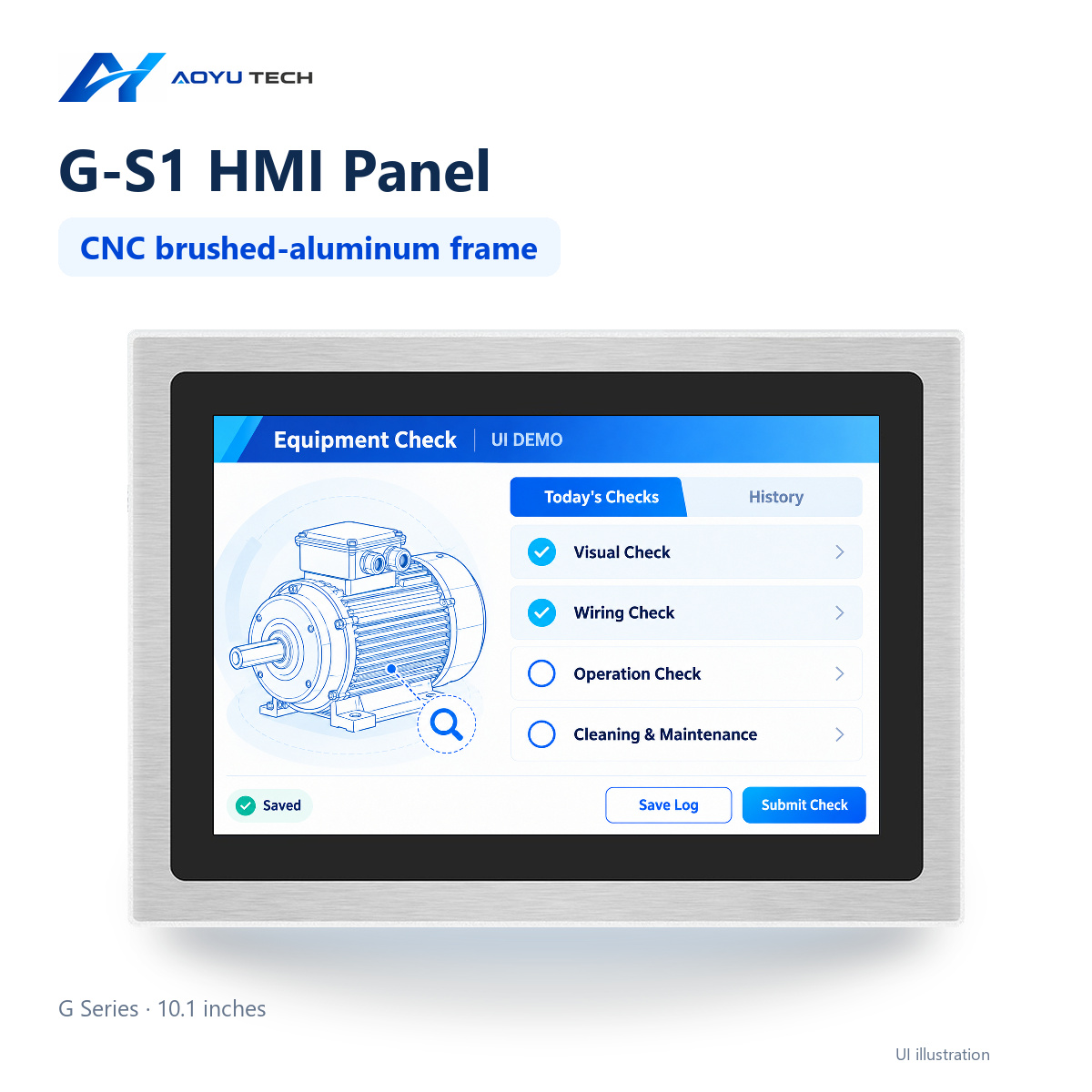
G-S1-101 10.1-inch HMI Panel
Series: G-S1. Frame: CNC aluminum alloy. Ethernet: 4 channels. Standard brightness: 500 cd…
View product →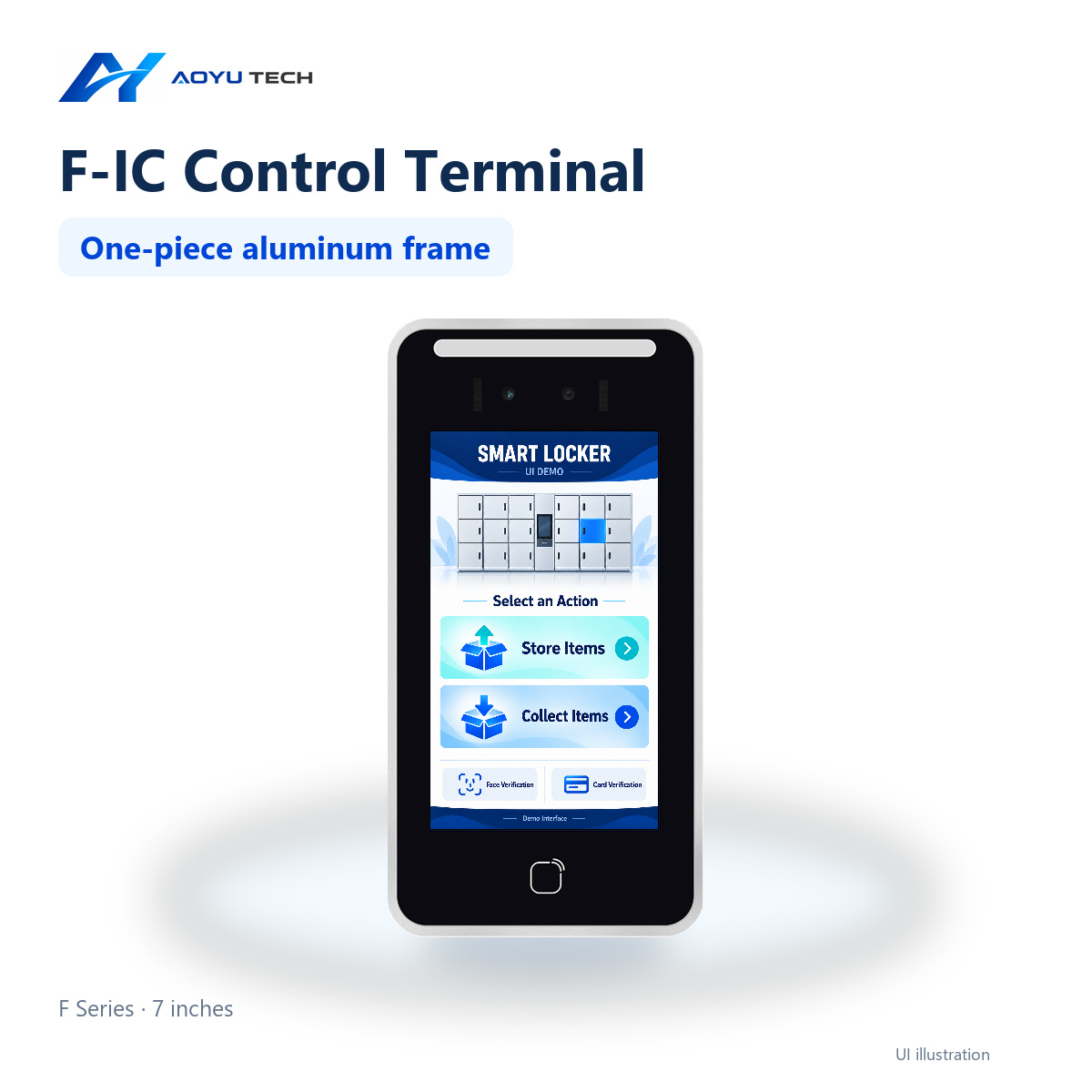
F-IC-7 7-inch HMI Panel
Material: Die-cast aluminum alloy. Mounting methods: Exterior inset mounting. Front panel …
View product →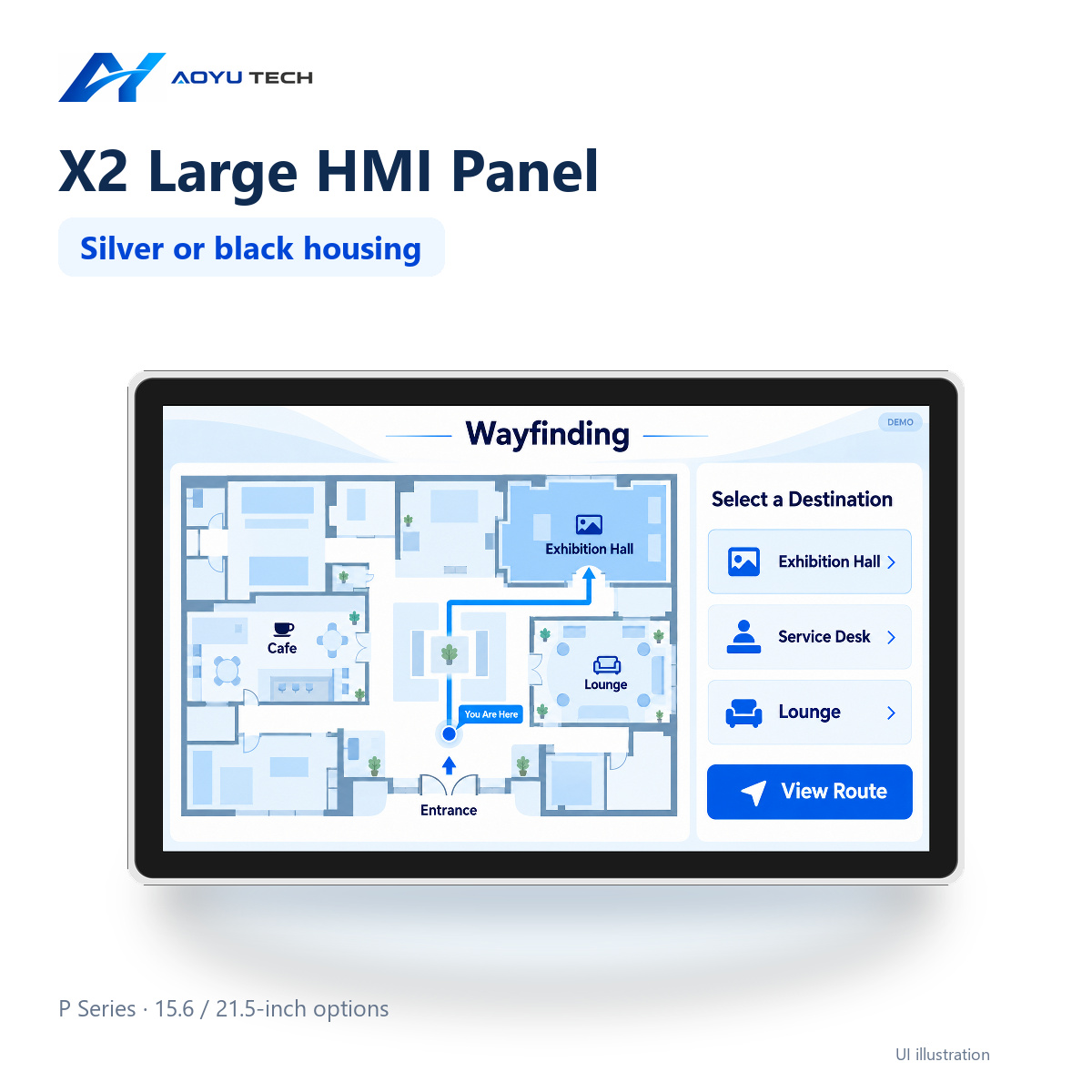
P-X2-215 21.5-inch HMI Panel
Display size: 21.5 inches. Resolution: 1920 × 1080 px. Brightness: standard: 250; optional…
View product →Ready to start your HMI project?
Our engineers help you choose the right HMI hardware and software for your project.