

A kiosk screen has the least prepared audience in the industry. The person standing in front of it has not read the manual, may be holding a coffee, and will press harder if the first tap does nothing. Nobody is beside the machine to explain that a lighter touch works better. Specifying a panel for self-service means designing for that stranger rather than for an operator who repeats the same gesture every shift.
That one difference runs through the whole machine: the touch stack, the glass, how the peripherals share the board, the thermal layout, and how long a swap takes on site.
Someone who has never used it before
Capacitive touch is the default here, and for good reason. It registers a light tap and handles the multi-finger gestures people now expect from a phone. Trouble starts when the interface gives nothing back. If a button shows no pressed state quickly, users decide it failed and press again, harder, sometimes with a fingernail. That is where most scratches on kiosk screens come from, and it is how a perfectly healthy panel earns a reputation for being unresponsive when the real fault is a slow animation in the UI.
Two things are worth settling before you order. One is whether the touch layer is tuned for whatever sits in front of it. Adding a 2 mm or 3 mm cover glass to a panel that was never calibrated with one in place is a reliable way to lose sensitivity along the edges of the screen. The other is wet hands and gloves. People walk in out of the rain and use the machine anyway, and the queue behind them is not going to wait.
What gets wiped off it
Public screens are cleaned constantly, with whatever the site keeps under the counter: alcohol wipes, diluted bleach, glass cleaner, a spray bottle whose label has faded past reading. Chemical compatibility is a line item in the specification, not a footnote. The printed bezel and any anti-glare or anti-fingerprint coating are usually the first casualties, and a hazy surface reads as a broken machine to whoever comes next.
Tempered or chemically strengthened cover glass is normal practice on unattended terminals. Impact resistance deserves a number rather than an assumption. The IK ratings defined in IEC 62262 exist for exactly this, and a supplier who cannot say which level a panel was tested to has already answered the question. Rounded bezel edges and no exposed fasteners on the user side remove the obvious places to lever at.
The peripherals, and the ports they consume
A kiosk is rarely only a screen. Barcode scanner, NFC reader, receipt printer, camera, status light, sometimes a card dispenser. Each one takes an interface, and USB hubs inside a steel cabinet are a well-known source of faults that come and go, particularly when the hub cabling runs alongside the panel's own power wiring.
Count them before choosing the board, and leave one spare. Serial deserves particular attention: a scanner or a printer that speaks RS-232 will not migrate to USB just because USB is what you happen to have. Retrofitting a converter afterwards means another enclosure, another supply, and another object to fit into a space that was already tight.
Heat, in a box that wants to stay closed
Fanless panels move heat out through their frame and into whatever they are clamped against. That works when the panel is bolted flat to a steel door. It works much less well behind a decorative fascia with an air gap behind it, or inside a slim floor-standing column where the electronics share a sealed volume with the power supply.
Vents and dust filters fix the thermal problem and create a maintenance one. In a lobby, a filtered vent is fine; somebody will clean it eventually. In a warehouse or a transit hall, every opening is somewhere for conductive dust to settle on a board. Which failure you would rather live with is a decision to make before the sheet metal is cut, because vents added afterwards rarely look like they were planned.
Getting it back out
Over the life of a kiosk, the panel is the part most likely to be replaced. Everything around it can outlast it. So the useful question is not how it goes in, but how long it takes to come out at six in the morning, before the first users of the day arrive, by one person with a screwdriver.
Front-embedded construction suits a cabinet that opens from the back: the panel draws forward into the cabinet, the plugs come off, the new one goes in, and the gasket sits on the outside where a compressed or perished seal is visible during a walk-around. Rear-embedded leaves a flush face with no visible fixings, which is what you want when the machine stands in a hotel lobby or a hospital corridor, and it costs you hand room inside. If the cabinet opens from the front, a rear-embedded panel can turn a twenty-minute job into an hour.
Model numbers matter more than series names here. The P X2 21.5" and P X2 15.6" use an aluminium front-embedded frame, while the P X1 15.6" and P X1 21.5" are built for rear-embedded installation. Kiosk makers producing their own housing usually take the shell-less route: the S Series is a standard shell-less embedded design and the C Series is a mid-frame that combines with your own enclosure. Where the environment is rough or the wall is thin, the F IC 7" puts the load into a one-piece die-cast frame instead of into the sheet metal. For compact units, the M S1 10.1" supports rear-embedded or wall-mounted fitting.
Before the drawing goes out
- Who uses it, and what they have on their hands: gloves, rain, a drink in the other one.
- What the screen gets cleaned with, and how often.
- Every peripheral, the port each one needs, and a spare.
- How heat leaves the panel, and whether the cabinet is filtered or sealed.
- Which side the kiosk opens from, and who replaces a screen when one fails.
Each of these is cheap to answer now and expensive to answer after production starts.
If you are specifying a panel for a self-service terminal, send us the cabinet drawing, the peripheral list and the cleaning method, and we will say which of our six series fits or what we would change. Start at the inquiry page, or go straight to the series: S Series shell-less, C Series mid-frame, P X2 front-embedded, P X1 rear-embedded and the F IC die-cast panel. Bezel finish, cover glass, I/O and mounting hardware can be adjusted for OEM and ODM orders.
Related products
Explore our HMI panels
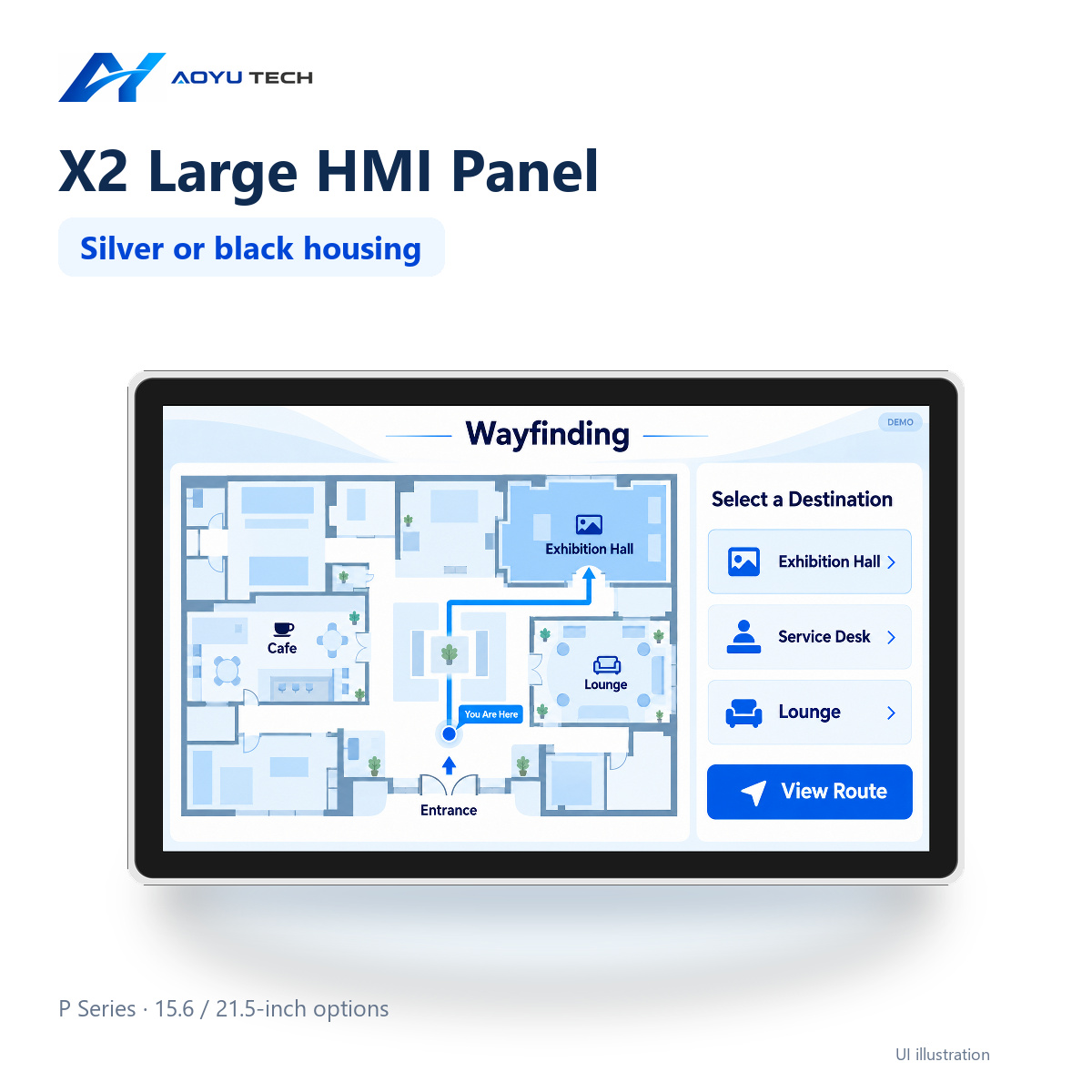
P-X2-215 21.5-inch HMI Panel
Display size: 21.5 inches. Resolution: 1920 × 1080 px. Brightness: standard: 250; optional…
View product →P-X2-156 15.6-inch HMI Panel
Display size: 15.6 inches. Resolution: 1920 × 1080 px. Brightness: standard: 250; optional…
View product →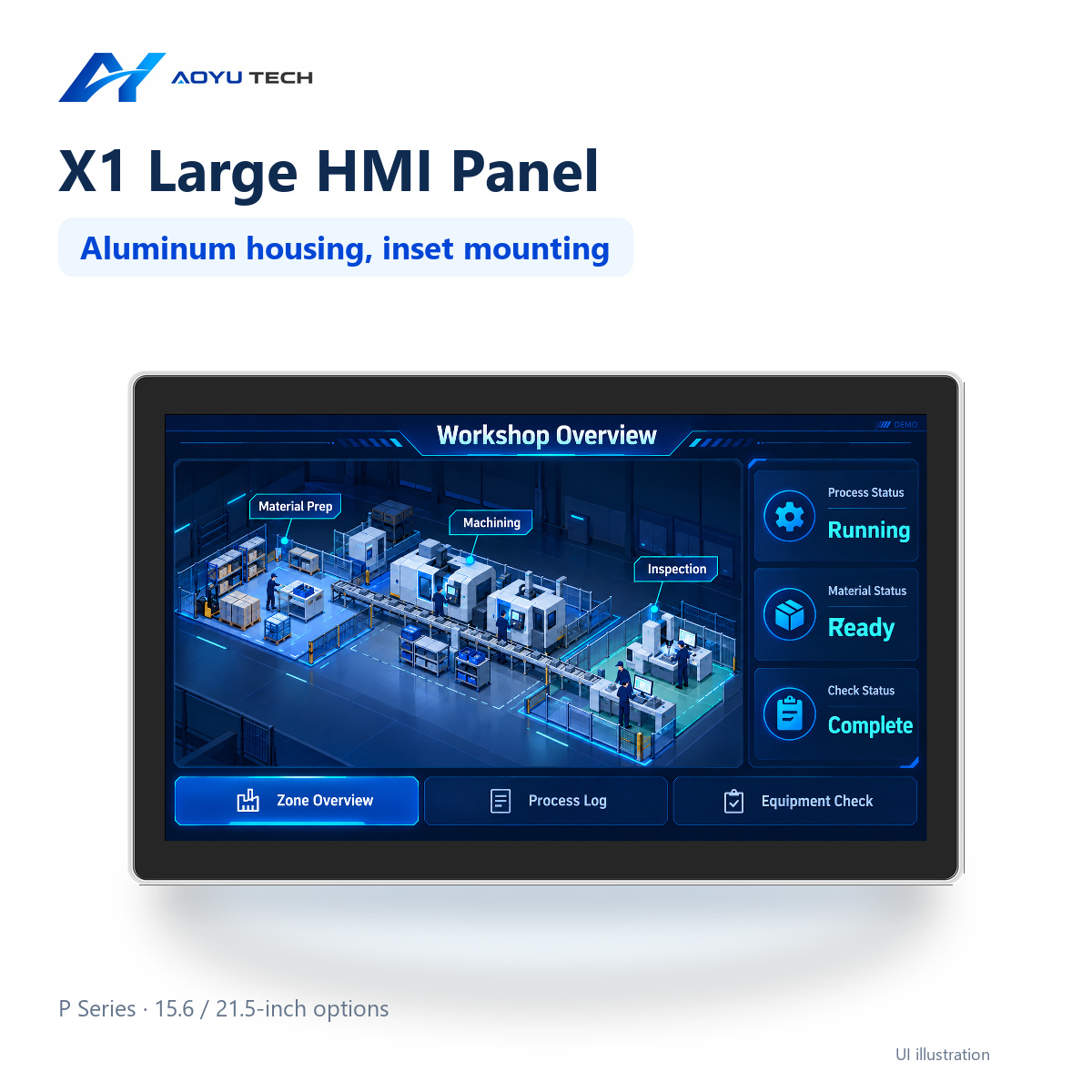
P-X1-156 15.6-inch HMI Panel
Display size: 15.6 inches. Resolution: 1920 × 1080 px. Brightness: standard: 250; optional…
View product →Ready to start your HMI project?
Our engineers help you choose the right HMI hardware and software for your project.